Sigma Vision is adult-content protection for Windows and Mac that does not stop at a website list. It runs three layers on the computer: block known adult sites, watch what is actually on screen with on-device AI, then: if you configure it that way: lock screen, keyboard, mouse, and voice input when warnings run out.
Layer 1: Blocklist
Known adult domains never load. This handles casual clicks and a large share of everyday exposure. It is also the layer every DNS filter and browser extension already has. People who search for something they cannot cheat have already beaten layer 1.
Layer 2: On-device AI on the screen
If content still appears, Sigma Vision evaluates what is displayed, not only the URL. New mirrors, image hosts, and pages that mix safe and unsafe content are the reason lists fail. Warnings are configurable: stricter on a child’s account, slower ramp for an adult using it on themselves.
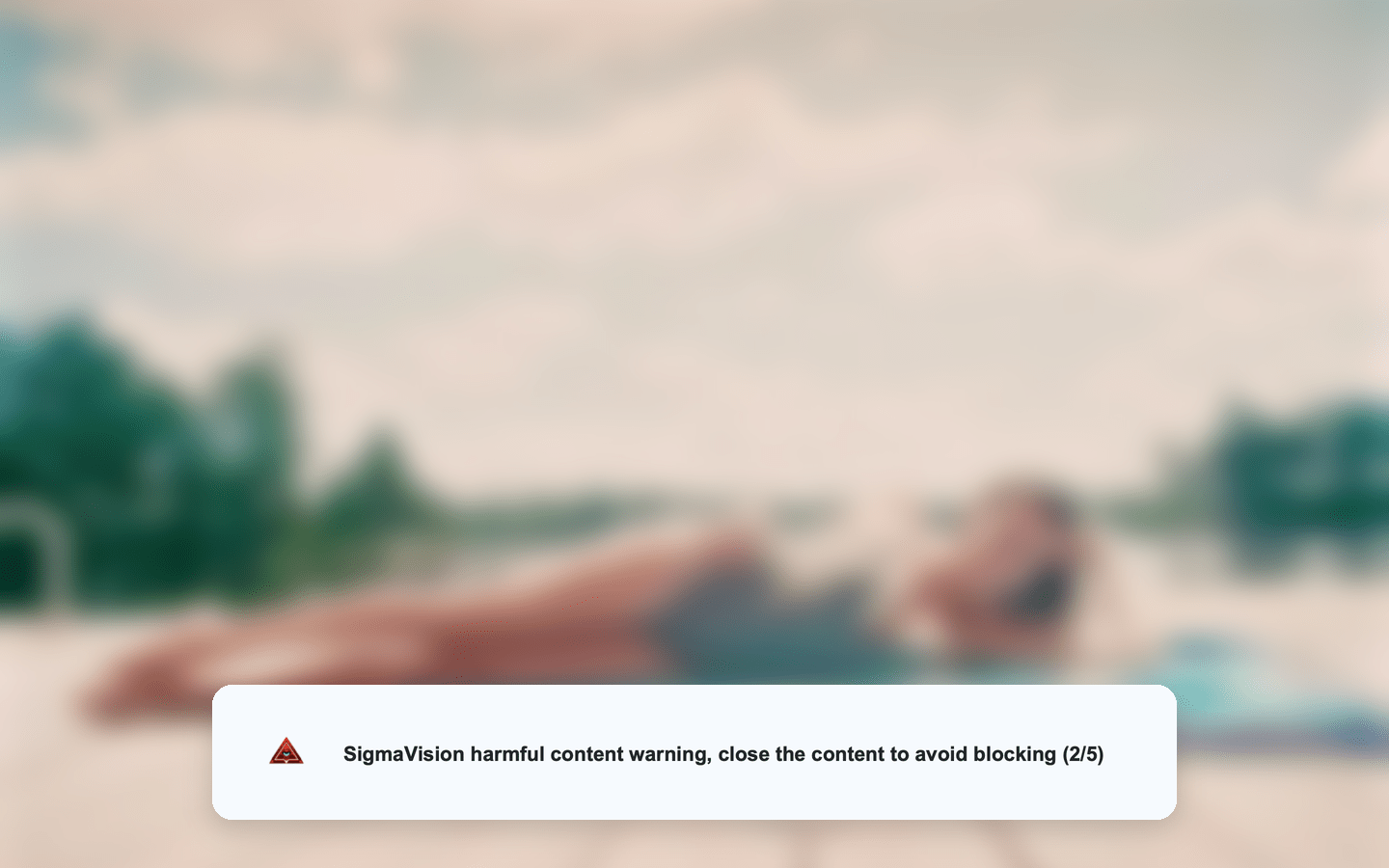
Layer 3: Lockout
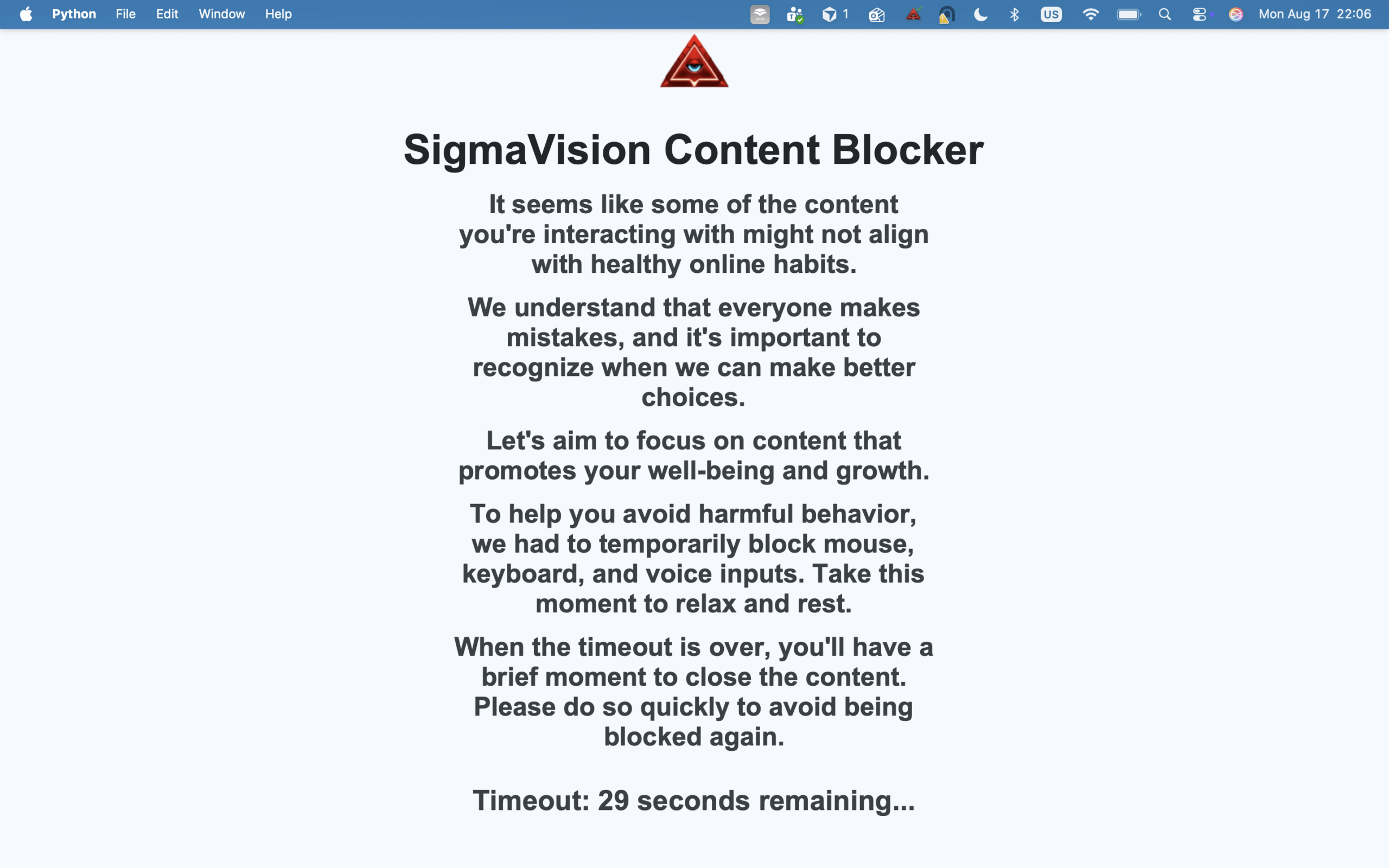
After the warning limit, the session can stop. Not “please close this tab.” The input devices lock for a period so the impulse cannot immediately continue in another app. This is the piece accountability apps and most AI blurs do not do. It is also why we are honest about being desktop-only: a lockout on a phone is a different engineering and product problem.
What it is not
- Not an iPhone or Android app.
- Not a screenshot-report product. Family and Pro can email a partner or parent when you turn that on.
- Not a replacement for Canopy on in-app mobile feeds.
Who it is for
Adults using it on their own Windows or Mac. Couples agreeing to put it on the home computers. Parents on a shared family PC who need something that is not a Chrome extension a teenager deletes in a day. Install walkthrough: install Sigma Vision on Windows and Mac. Broader setup: block adult content on Windows and Mac.
Compare tools: best adult content blockers for Windows and Mac (2026). Plans from 3,99 €/month: Starter, Family, and Pro.
FAQ
Can it be bypassed like a browser extension?
Extensions die when you switch browsers or use another profile. Lockout is system-level on that computer. No desktop tool is magic against a determined administrator forever: that is why family setups should use a standard user account for the person being protected.
Does it send screenshots to Sigmaio?
Enforcement is designed to run on the device. Family and Pro can send email notifications to a partner or parent. That is not a screenshot report of what was on screen.
Pingback: Bark Alternative: Why Sigma Vision Goes Further - Sigmaio
Pingback: HardStop Alternative: All-Device Filter vs Windows and Mac Lockout - Sigmaio
Pingback: Best Adult Content Blocker for Windows and Mac (2026) - Sigmaio
Pingback: How to Block Adult Content on Windows and Mac (Step-by-Step Guide) - Sigmaio
Pingback: ZenView Alternative: Close the Window vs Lock the Computer - Sigmaio
Pingback: Covenant Eyes Alternative for Windows and Mac (No Partner Required) - Sigmaio